
Reduce Image Size in KB
Shrink a photo to an exact KB range and size in one step
Rating
No reviews yet
The rating appears once real users review Reduce Image Size in KB.
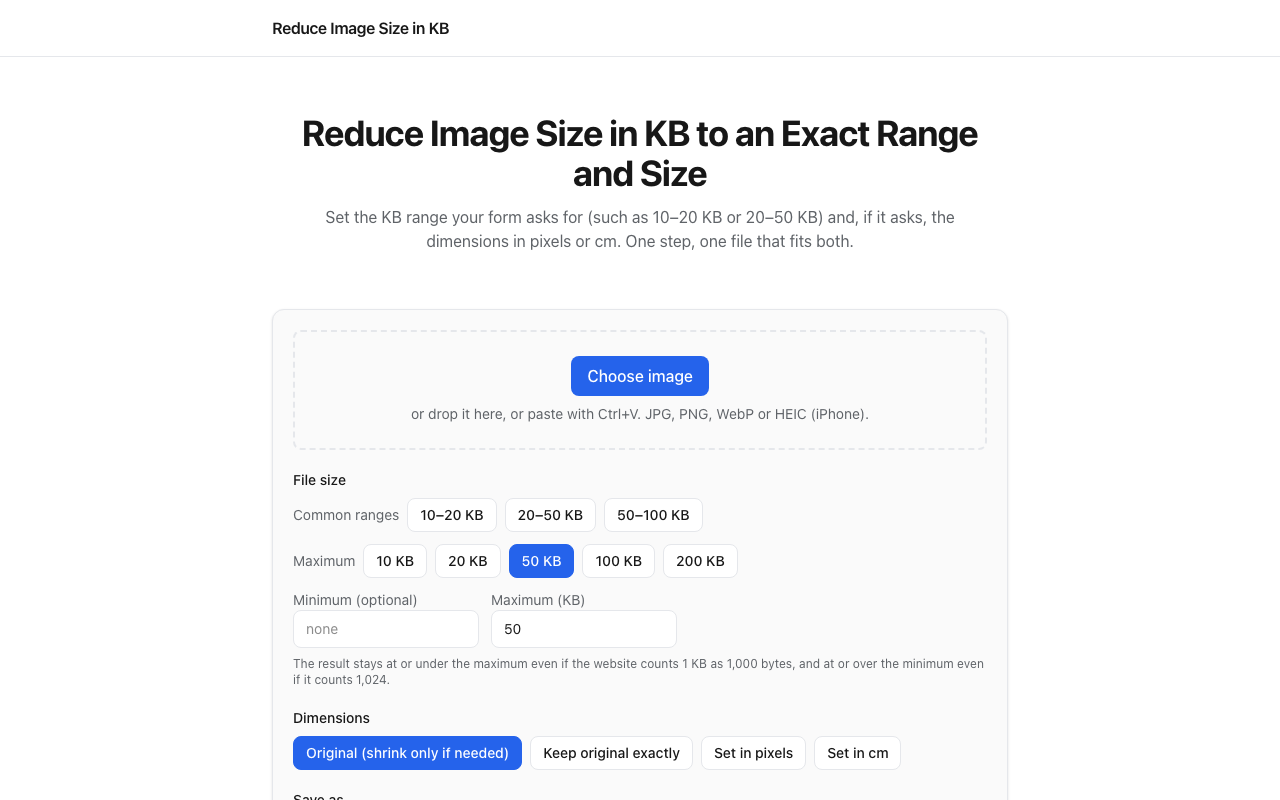
Write the first reviewReduce Image Size in KB is a free browser tool for preparing a photo or signature for an application form. Set a maximum file size or a minimum and maximum KB range, with optional dimensions in pixels or centimetres. It supports JPG, PNG, WebP and iPhone HEIC input, with JPG, PNG and WebP output. Image processing happens in your browser, without uploading the image to a server. Review the output dimensions, format and file size before downloading.
Key features
- 01Minimum and maximum KB range
- 02Optional pixel or centimetre dimensions
- 03Browser-based image processing
- 04JPG, PNG and WebP output
Screenshots
Reviews
Phyco does not write or buy reviews - be the first. A free account takes a minute: one account, one review, confirmed email.
Sign in or sign upSimilar listings
More Utilities & Converters → Mail7Utilities & ConvertersFeatured
Email verification that answers Valid, Not Valid or Unknown, and never guesses.
 Free Audio Tools - The Audio StuffUtilities & Converters
Independent hi-fi testing and 16 free audio utilities - exposure, SPL and wire gauge. Free, no registration.
 ToolkittaUtilities & Converters
Free file tools and reusable workflows that process files in your browser
 Chinese video and subtitle filename checkerUtilities & Converters
Free Chinese-language helper to compare typed video and subtitle filenames; no file upload.
 Compare Two ListsUtilities & Converters
Compare two lists or imported file columns to find shared values, differences and duplicates.
 Days Since DateUtilities & Converters
Free day counter and date calculator, no sign-up